Introducing Anysola Code
A coding agent for your terminal. It reads your project, edits files and runs your tests, signs in with your Anysola account and uses the credits you already have.
1 min read
On this page5
Today we’re opening Anysola Code, a coding agent for your terminal. It reads your project, edits files, runs commands and tests, and signs in with your Anysola account. Details are at www.anysola.com/code.
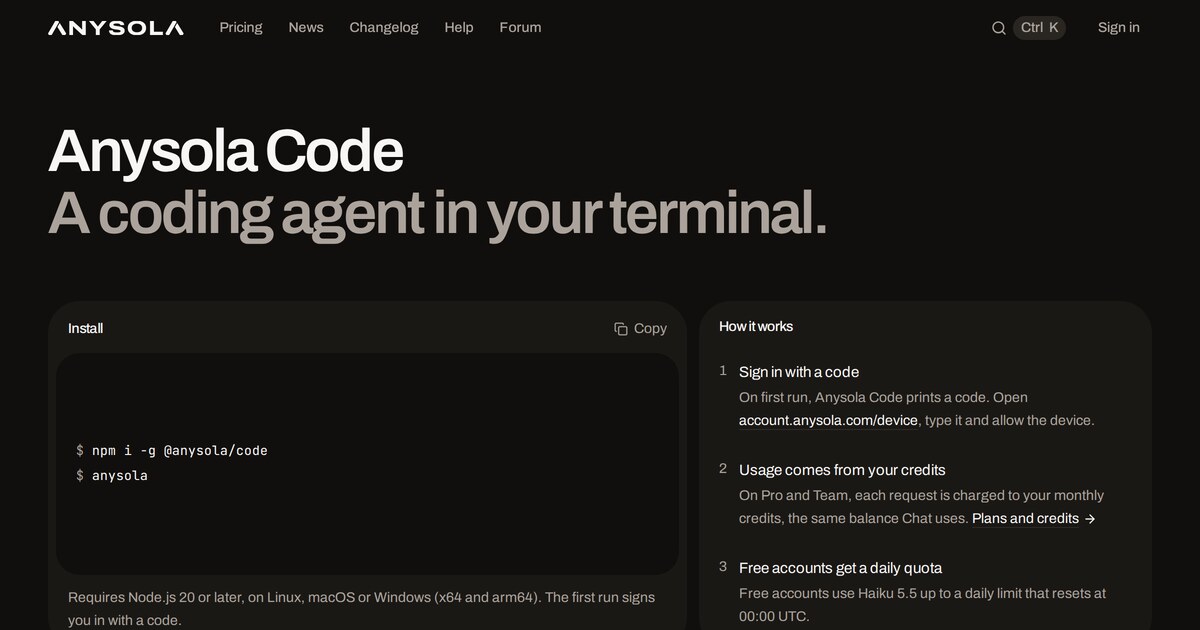
Install
npm i -g @anysola/code
anysola
It runs on Linux, macOS and Windows, on x64 and arm64, and needs Node.js 20 or later. anysola update installs the latest release.
Sign in with a code
On first run, Anysola Code prints a code. Open account.anysola.com/device, type it and allow the device. There’s no API key to copy. Every signed-in device is listed at account.anysola.com/apps, where you can revoke it. On a machine you still use, anysola logout does the same.
Usage comes from your credits
On Pro and Team, each request is charged to your monthly credits, the same balance Chat uses. Sonnet 5.5 is the default, and you can switch to Haiku 5.5 from the model list. Free accounts use Haiku 5.5 up to a daily limit that resets at 00:00 UTC.
The status line shows the credits you have left, what the current turn cost and the total for the session. In the app, /credits shows your balance, /usage your recent usage and /devices your signed-in devices. Every charge is also listed in your Billing history.
Open source
Anysola Code is a fork of OpenCode and is MIT licensed. The source is at github.com/Anysola/code.
Try it
- Run
npm i -g @anysola/code - Run
anysolain a project folder - Allow the device at account.anysola.com/device
Questions or ideas? Post them on Anysola Forum.
Powered by Claude. Built on OpenCode (MIT). Not affiliated with Anthropic or the OpenCode project.
New posts by email
More news
- Introducing Anysola ForumAnnouncements
- Introducing Anysola ChatAnnouncements